Inspiring Young Programmers and Engineers!
ACCESS OUR GROWING LIBRARY OF TUTORIALS AND PRINTABLE GUIDES AND ENRICH YOUR CHILD’S STEAM LEARNING!
Try our growing library of tutorials and printable guides where your child can work through projects at their own pace.
To get started, you need:
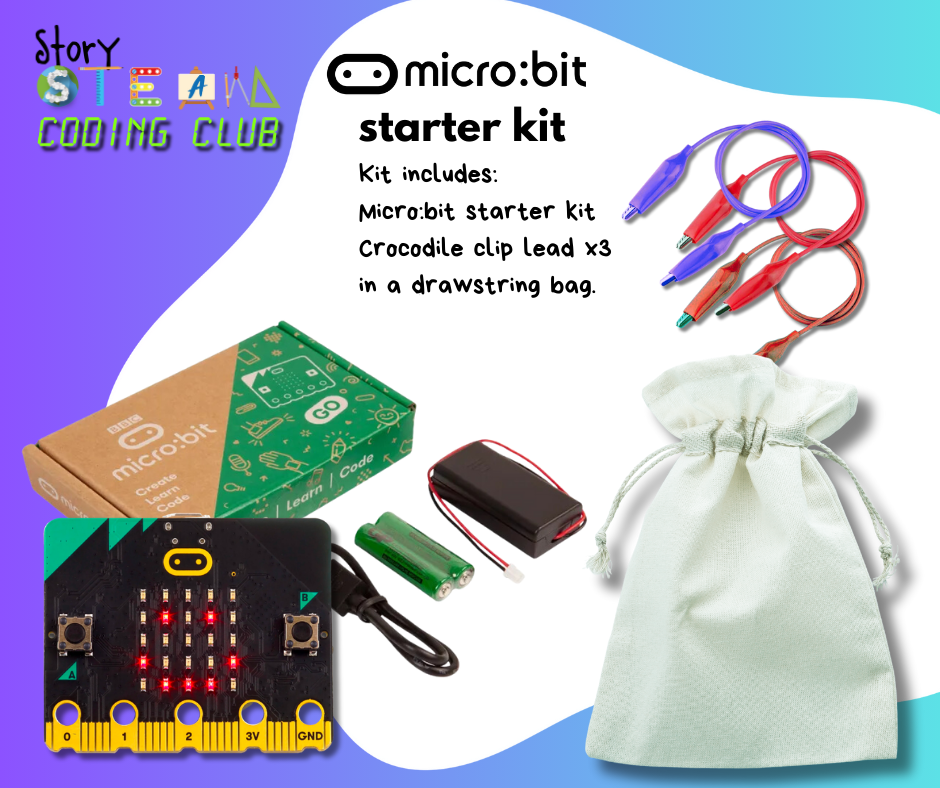
✅ A micro:bit (available in the Story STEAM kits shop).
✅ Laptop computer or bluetooth enabled tablet or iPad.
✅ 2 screens: One for watching the tutorials and another to code.
Topics include:
🔸 ‘Outdoor Science Sensors’ (8 projects)
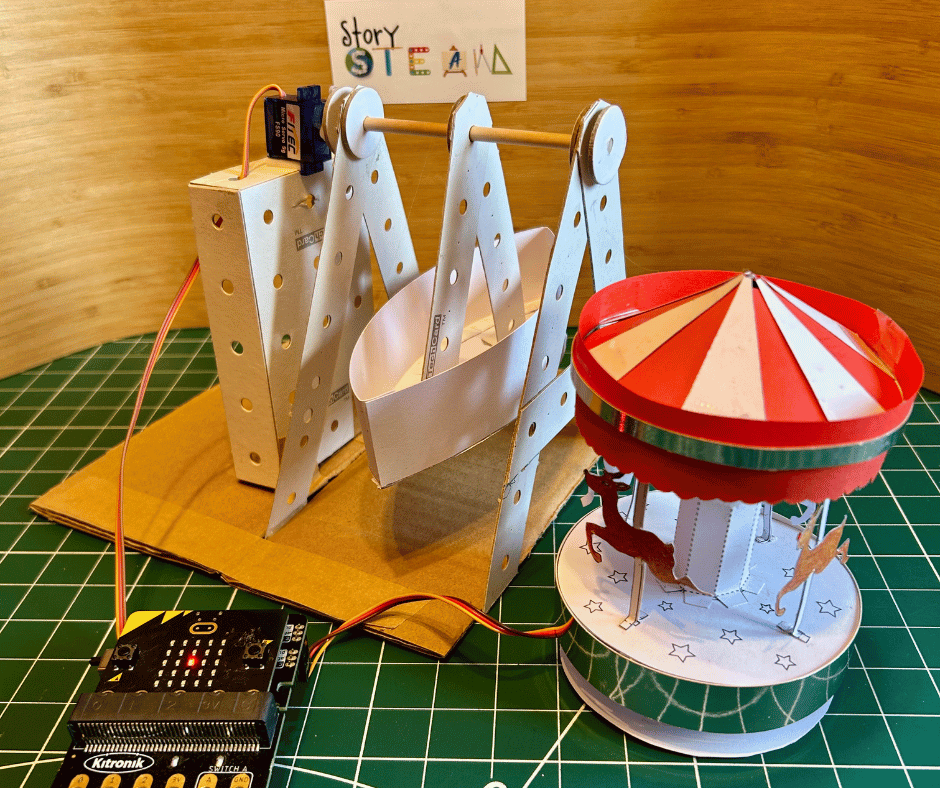
🔸 ‘Fairground Attractions’ (10 projects)
🔸 ‘Spy Tech and Secret Messages’ (5 projects)
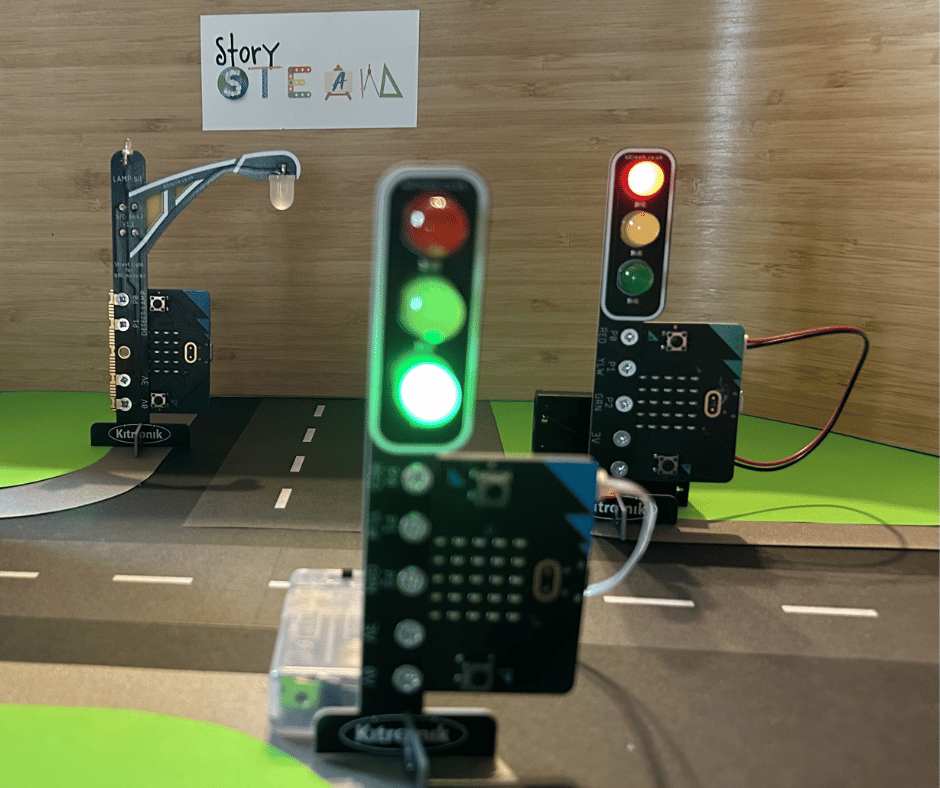
🔸 ‘Traffic lights and Street Sensors’ (5 projects)
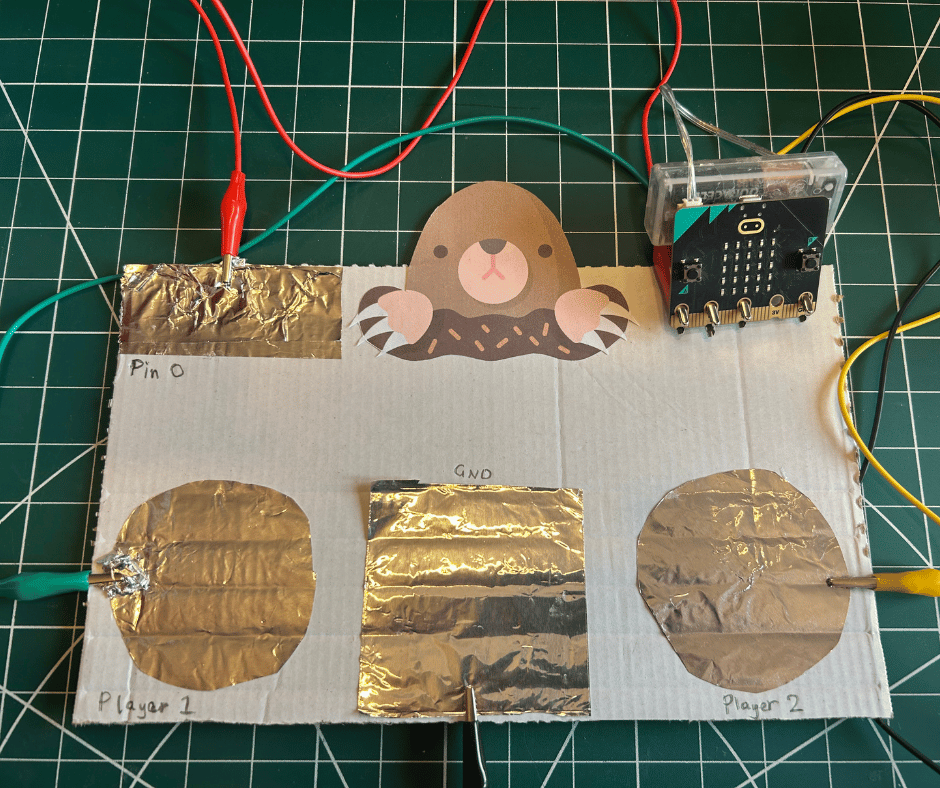
🔸 ‘Games’ to play with your micro:bit (5 projects)
🔸 ‘Smart Robots’ (5 projects coming this July)
Children will learn to:
-
Code with MakeCode block coding language
- Develop logic and computational thinking skills
-
Combine science and technology in creative ways
-
Build circuits to control motors and lights
-
Take on real-world challenges with code.
Perfect for creative children age 8+ with a curious mind. Suitable for beginners and experienced micro:bit coders.

Already a member? Access your content below
Micro:bit Coding Club
Joining Micro:bit Coding Club is simple, flexible, and designed to fit your family’s schedule.
What you need:
-
A micro:bit*
-
A computer or laptop with internet access
- A second screen to watch tutorials and/or join live sessions while coding at the same time.
(This could be a smart TV or monitor connected to your laptop). -
A free MakeCode account – https://makecode.microbit.org/
-
A love for hands-on, creative projects!
There are plenty of beginner level coding challenges to get you started, but some previous coding experience is helpful for our intermediate level challenges.
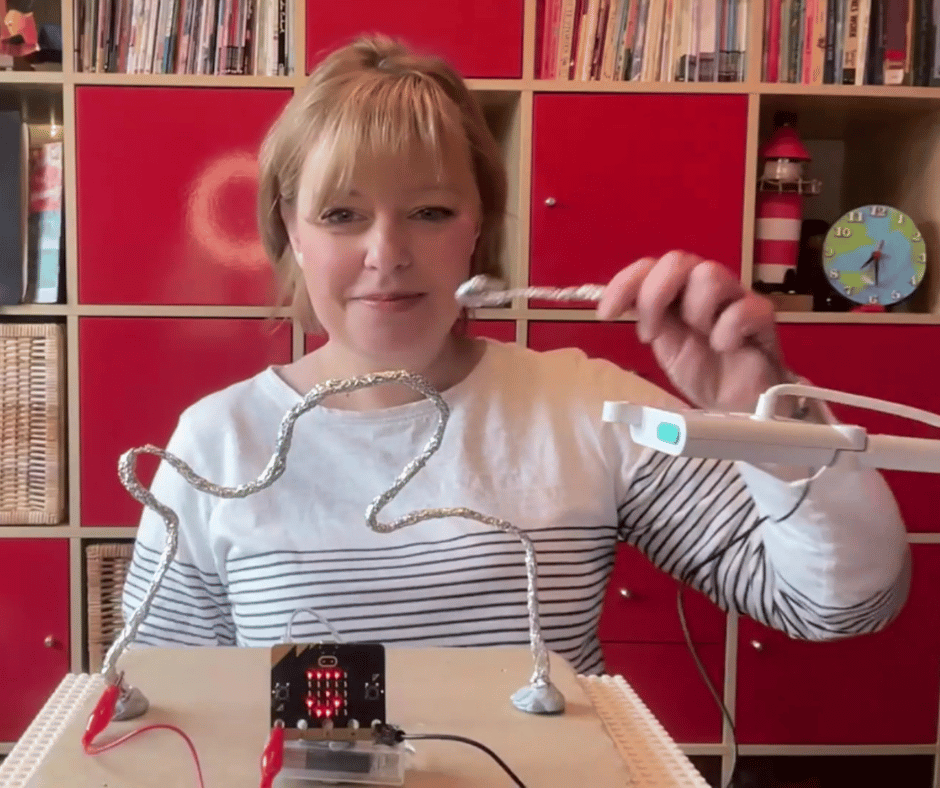
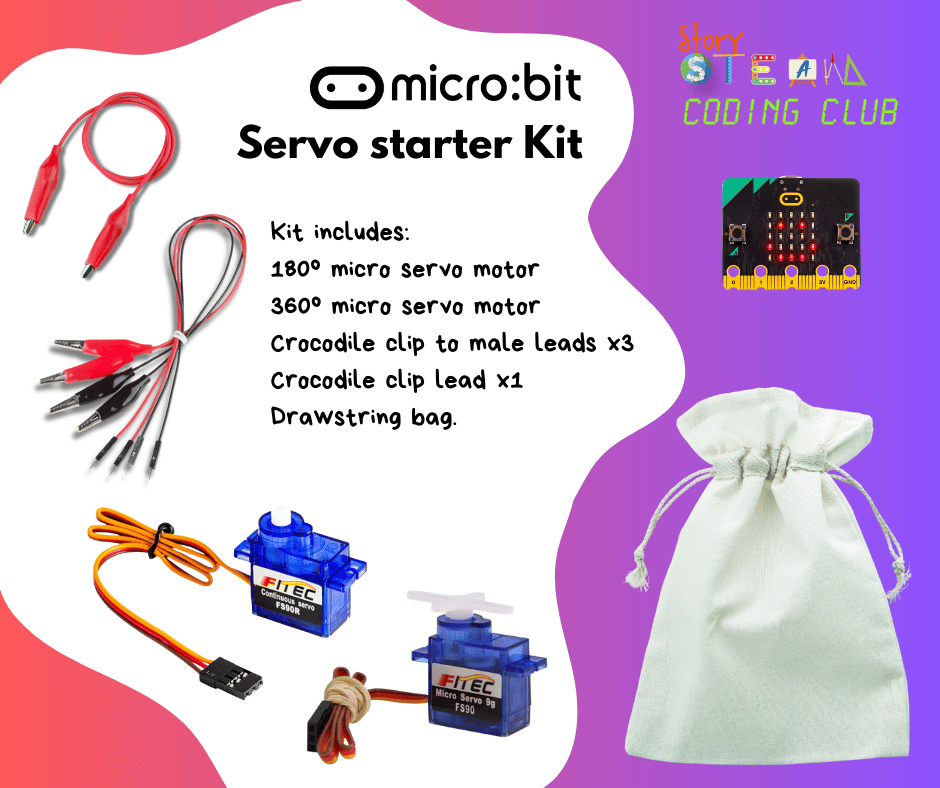
*Some projects require additional components such as crocodile clips, LEDs, servo motors, cardboard and kitchen foil! There are also some projects that use more than one micro:bit. Great for siblings and other family members to play along together!
Here’s how it works:
🔹 Choose your project and pace:
- Pick from the growing library of hands-on physical computing and coding challenges.
- Print out accompanying PDF and gather any components or resources you may need. (Kits available)
- Follow step-by-step tutorials while learning new coding skills at your child’s own pace.
- Get support or share wins via the parents and carers’ WhatsApp group.
🔹 New projects added every week in term time: (See calendar)
- There is already a large bank of video tutorials and printable resources in Micro:bit Club!
- Each topic consists of at least 5 projects / tutorials but usually more.
- Each term*, we launch a brand-new theme and new tutorials and printable guide are added each week.
- Each topic consists of at least 5 projects but it’s usually more!
🔹 Live group learning:
- Live online sessions (when running) offer a change to explore ideas together, test our code, solve problems, and take on extra challenges.
- Each live session is limited to a maximum of 15 children, so everyone gets a chance to share, ask questions, and be supported. There is also support available via the parents and carers’ WhatsApp group.
Private one to one sessions are also available. Email Hannah@storysteam.com for more details.
Check out our other clubs